Source-researched game guide · Checked 2026-10-05
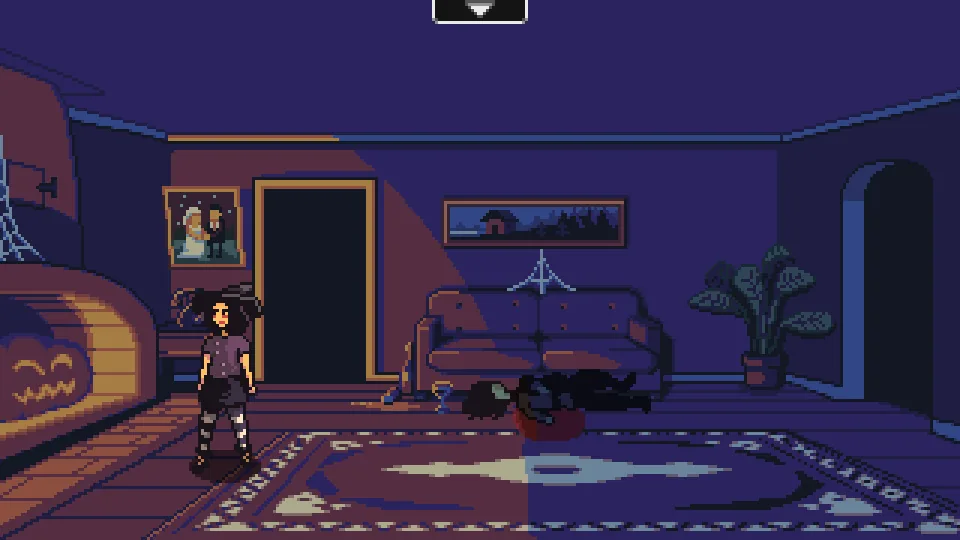
The best thing about browser horror is the tiny commitment: open a tab, decide whether the game’s particular kind of unease works for you, and leave when it does not. That does not mean every browser game feels alike. A fake desktop mystery asks you to investigate. A survey can unsettle you in minutes. A cycling game makes the trip home feel progressively less familiar.
These six itch.io games currently offer an HTML5 version. Choose by the kind of interaction you want rather than treating “horror” as one mood. The descriptions below are based on the creators’ pages, checked on October 5, 2026; this is a source-researched selection, not a claim that we played or scored every build.
| If you want… | Try | Creator-listed inputs | Time to allow | What to know first |
|---|---|---|---|---|
| A longer computer mystery | Last Seen Online | Keyboard, mouse, touchscreen and smartphone | About an hour | Disturbing material warning |
| A mouse-led haunted-house puzzle | Blackout by FRESH | Mouse | About half an hour | Windows, Mac and Linux downloads offer an alternative to the browser build |
| A very brief interactive spectacle | Exhibit of Sorrows | Mouse | A few minutes | Circus imagery is central to the discomfort |
| A short, personal-feeling scare | Please Answer Carefully | Mouse | About five minutes | Stalking is the premise |
| A puzzle presented as a livestream | FeedVid Live | Keyboard, mouse and touchscreen | 15–30 minutes | Built-in hints; distressing themes |
| A familiar journey turning strange | Burger & Frights | Keyboard and mouse | Creator gives no precise estimate | Fullscreen is recommended |
Times above are the creators’ estimates or average-session labels, not our measured completion times. Getting stuck on a puzzle can make a session longer.
Choose by controls before you choose by atmosphere
For a mouse-only setup, the clearest documented choices are Blackout, Exhibit of Sorrows and Please Answer Carefully: each creator lists mouse input. Blackout offers room-and-item exploration; Exhibit of Sorrows centers on interactive exhibits; Please Answer Carefully puts the unease into reading and answering a survey. That gives you three different interactions without choosing a cycling game that calls for movement controls.
Last Seen Online lists keyboard, mouse, touchscreen and smartphone inputs. FeedVid Live lists keyboard, mouse and touchscreen, while Burger & Frights explicitly calls for a keyboard and mouse. Touchscreen input is a useful lead, not a guarantee for every phone or tablet. Neither an HTML5 label nor a mobile-looking interface establishes comfortable text size, smooth performance or support for your particular browser. We have not checked these builds on your device.
Last Seen Online — investigate a computer that should be left alone
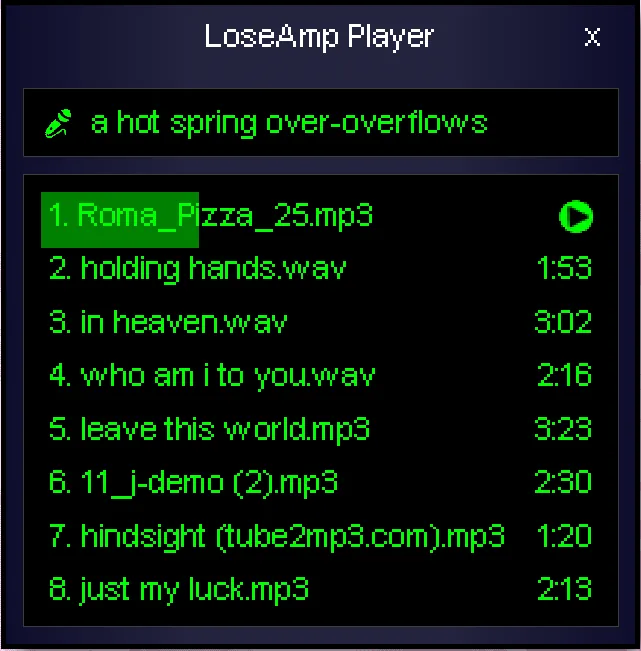
Last Seen Online builds its mystery around files and traces on a computer. It is the pick for someone who wants to read, inspect and piece things together rather than react to quick combat. The creator calls it a psychological horror escape-room game and lists an average session of about an hour, making it a bigger evening commitment than most games here.
The page warns that the material may be unsuitable for children or easily disturbed players. Start here if interface-driven clues appeal to you; pick a shorter entry below if you want to know within five minutes whether the mood works.
Blackout — a point-and-click house with an escape-room feel
Blackout by FRESH places its mystery in a dark house and uses point-and-click interaction. That makes it an easier choice for a mouse-first player than a game built around movement keys. The creator lists both an HTML5 version and desktop downloads and suggests the native version if the browser version has trouble. This is the FRESH game, distinct from the September 2026 Windows-only Blackout by carmonalpha.
Its appeal is the steady question of what each room and object can tell you. Allow about half an hour according to the creator’s session label. If you prefer a clean, bite-sized premise over a larger environment, the survey or exhibit games below are simpler first stops. To see the interaction before committing, the developers’ Blackout gameplay trailer offers a visual introduction; it is a trailer from 2022, not an independent review or proof of a current browser build.
Exhibit of Sorrows — let the exhibits do the work

Exhibit of Sorrows is an interactive clown-and-circus exhibit that turns curiosity into discomfort. It runs in the browser, uses the mouse, and the creator lists an average session of only a few minutes. This is the shortest way into this list if you like horror built from one strong visual idea.
The circus setting is the point, so someone who dislikes clown imagery should choose another entry. If you want a mystery you can linger over, Last Seen Online has a more investigative shape.
Please Answer Carefully — horror hidden in a survey
Please Answer Carefully asks you to answer questions, then makes the ordinary survey format feel unsafe. It is browser-playable and short. The stalking theme is worth knowing before you open it: its effect depends on that personal, invasive premise rather than on a large world to explore.
The creator describes it as about five minutes and lists mouse input. Choose this if you enjoy how a game can change the meaning of a familiar screen. Choose Burger & Frights if you would rather move through a place than read an interface.
FeedVid Live — look closely at the stream
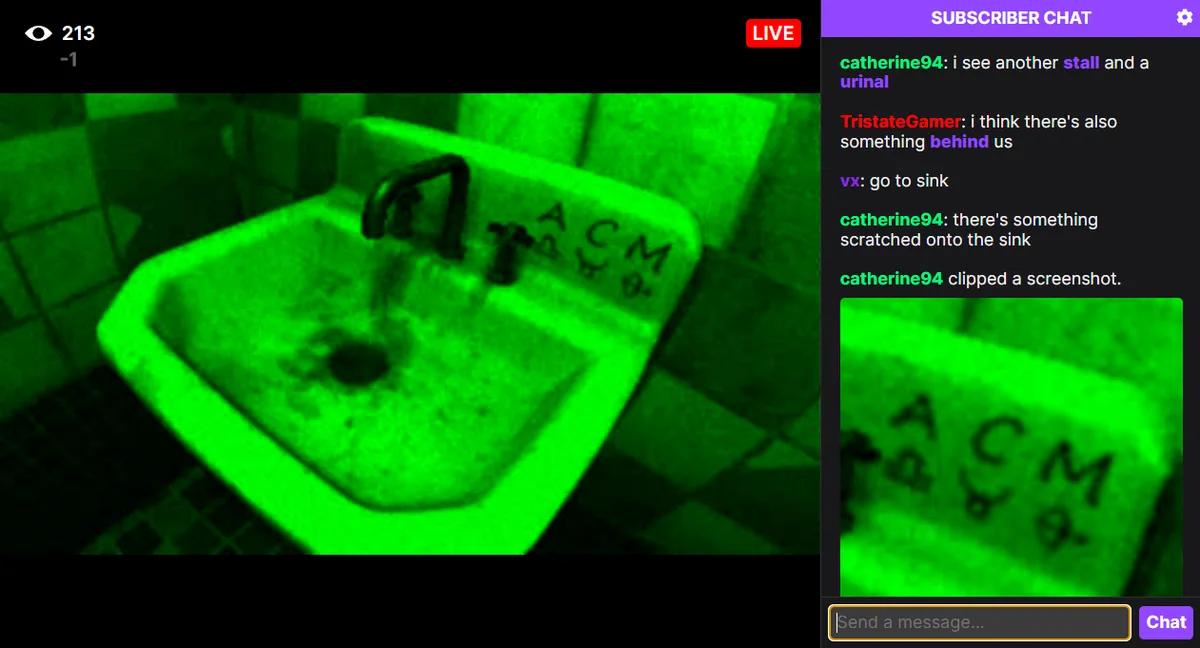
FeedVid Live frames its puzzle around a livestream. The creator estimates about 15–30 minutes and provides an HTML5 build alongside other platforms. It is a better fit for a player who wants an active puzzle than a purely atmospheric vignette.
Read the creator’s content notes before playing. They include stalking, guns, mental distress and non-graphic mutilation. Those details are more useful for choosing a game than an arbitrary “scare level” we cannot verify.
If a puzzle interrupts the flow, the creator points to hints and solutions under the gear icon. You do not need to play the earlier FeedVid first: the developer says the two stories stand alone and can be played in either order. This makes FeedVid Live a useful choice when you want a self-contained puzzle session with help available, rather than a mystery that sends you searching for a walkthrough.
Burger & Frights — the ride home stops making sense
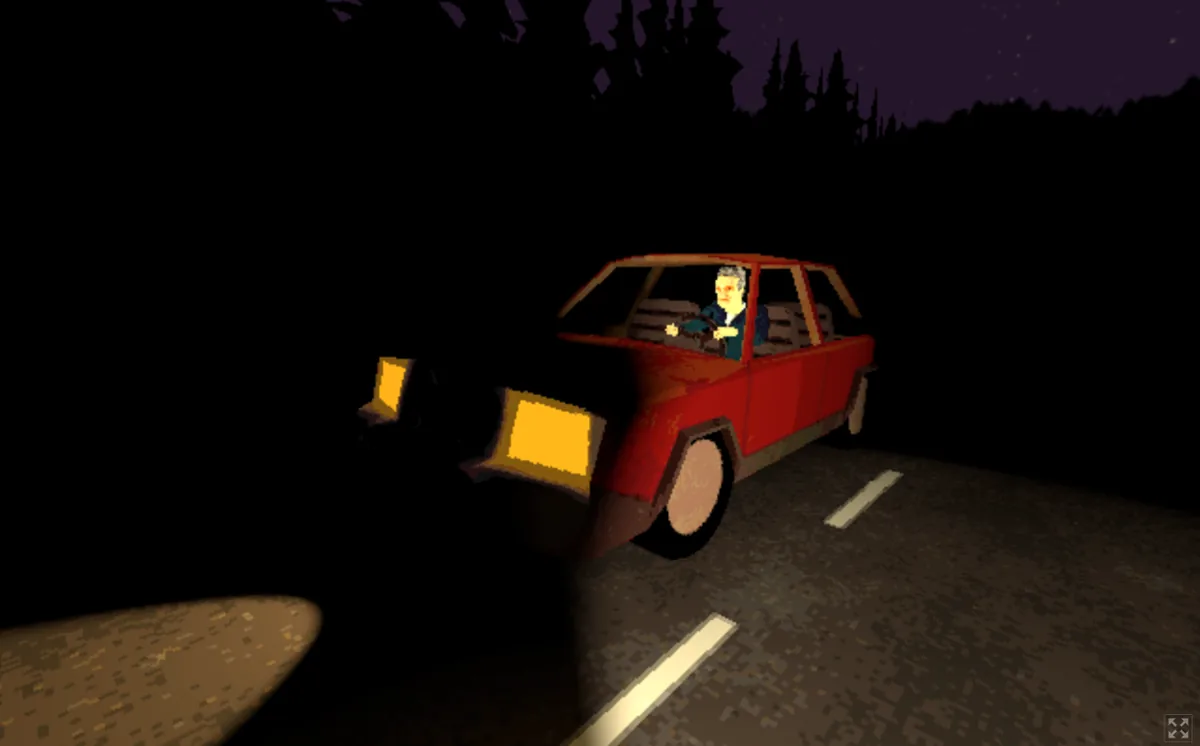
Burger & Frights starts with a cycle ride and lets the route become increasingly unsettling. The HTML5 version uses keyboard and mouse; the creator recommends fullscreen. Its appeal is repetition and the suspicion that the same trip is no longer the same trip.
This is the movement-driven choice in the group. If you need mouse-only controls, start with Blackout or Exhibit of Sorrows instead. The creator does not give a precise playtime on the page we checked, so plan for a short horror session without treating any minute count as a promise.
What if the browser version is inconvenient?
Blackout’s creator specifically recommends the native version when the browser build has issues; its listing provides Windows, Mac and Linux downloads. FeedVid Live also offers those desktop platforms and a separate Android download. These alternatives require a download, so they suit a different situation from opening an HTML5 build in a tab. Check the linked creator’s file and platform details before choosing one.
For a short session with a mouse, start with Exhibit of Sorrows or Please Answer Carefully. For roughly half an hour of puzzle-solving, compare Blackout’s house exploration with FeedVid Live’s livestream interface and built-in help. For a longer computer-file mystery, Last Seen Online has the largest creator-listed time commitment here. Burger & Frights is the movement-driven option, with a less precise time estimate.
Which one should you open first?
For a few minutes, choose Exhibit of Sorrows or Please Answer Carefully. For a clue-focused evening, choose Last Seen Online. For mouse-led exploration, try Blackout by FRESH. For a more active puzzle, pick FeedVid Live; for movement and mounting unease, pick Burger & Frights. Browser availability and content notes can change, so the linked creator pages are the final check before you play.
For a gentler overlap of eerie and comforting moods, our cozy horror guide takes a different route.
If you are happy to install a game, our short downloadable horror guide compares a separate set of small horror experiences.
Play Blackout by FRESH
Creator browser edition. Availability and content may differ from other releases.
An embedded version is not available here yet. You can play on the creator’s site.
Play Last Seen Online
Creator browser edition. Availability and content may differ from other releases.
An embedded version is not available here yet. You can play on the creator’s site.
Play Exhibit of Sorrows
Creator browser edition. Availability and content may differ from other releases.
An embedded version is not available here yet. You can play on the creator’s site.
Play Please Answer Carefully
Creator browser edition. Availability and content may differ from other releases.
An embedded version is not available here yet. You can play on the creator’s site.
Play FeedVid Live
Creator browser edition. Availability and content may differ from other releases.
An embedded version is not available here yet. You can play on the creator’s site.
Play Burger & Frights
Creator browser edition. Availability and content may differ from other releases.
An embedded version is not available here yet. You can play on the creator’s site.